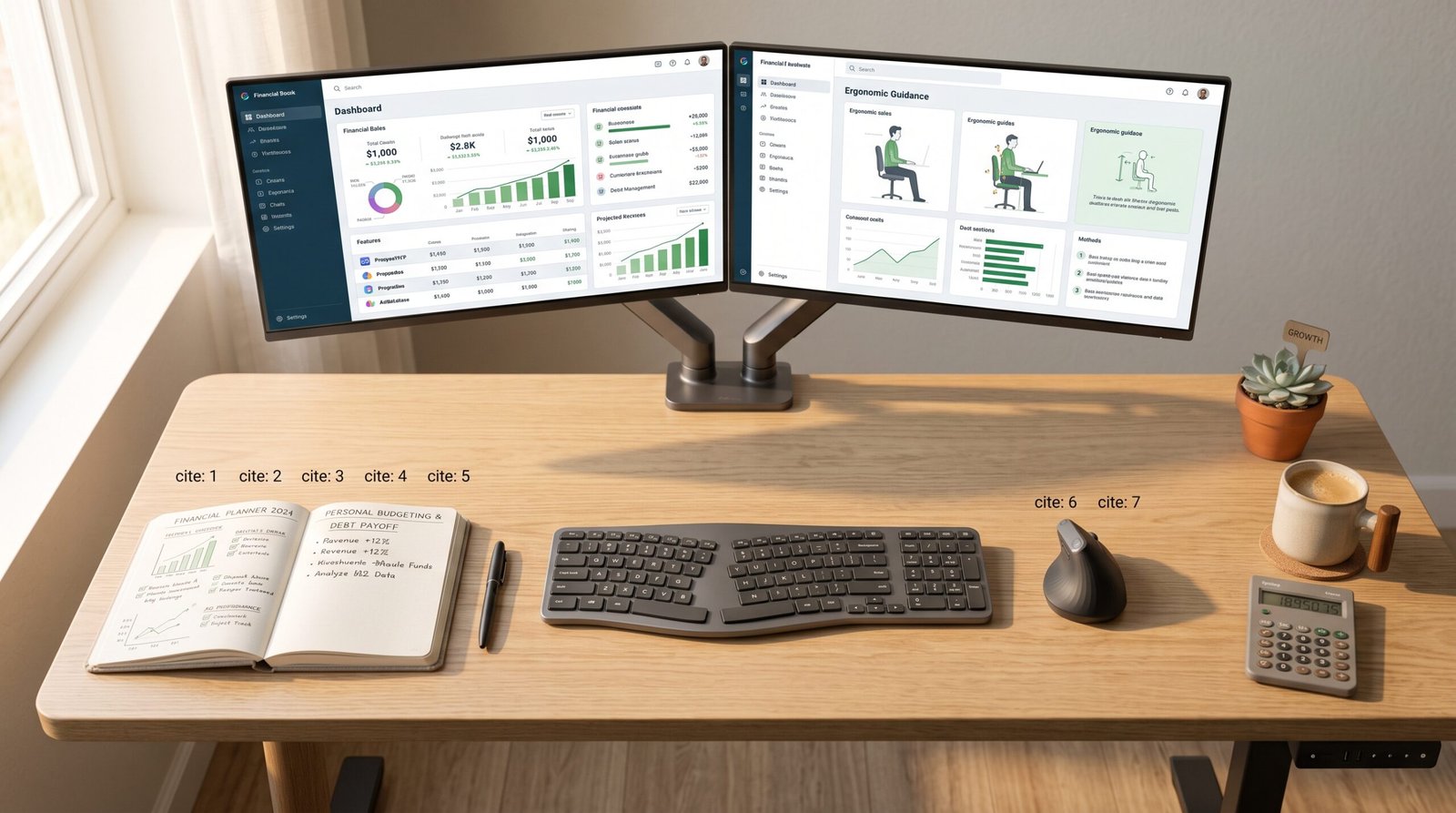
Are you experiencing chronic back pain, wrist fatigue, or neck strain after working remotely all day? Investing in proper ergonomic home office desk setups is the single most effective way to protect your physical health, boost daily energy, and increase work focus.
Sitting for long periods in poorly configured workspaces can lead to long-term posture issues and fatigue. In this guide, we will break down the key components of ergonomic home office desk setups and provide practical advice to help you build a comfortable, pain-free workstation.
Why Ergonomic Home Office Desk Setups Matter for Health
Working long hours at a computer requires more than just a comfortable chair. Designing optimized ergonomic home office desk setups aligns your spine, reduces muscle strain, and keeps fatigue at bay throughout your shift. According to ergonomic health guidelines from the Mayo Clinic, maintaining proper neutral posture is essential for preventing repetitive strain injuries.
By customizing your physical workstation to fit your body type, you can dramatically improve circulation, maintain focus, and elevate daily work output.
Essential Components of Ergonomic Home Office Desk Setups
To create a fully functional workspace, your arrangement must support natural movement and proper bodily alignment. High-performance ergonomic home office desk setups rely on four core elements:
1. Height-Adjustable Standing Desks
An electric sit-stand desk allows you to alternate between sitting and standing throughout the day. Switching postures every 30 to 45 minutes reduces spinal pressure and improves energy levels.
2. Ergonomic Chairs with Lumbar Support
A high-quality chair should support your spine’s natural curve. Look for adjustable armrests, seat depth adjustment, and dynamic lumbar support. Learn more about professional posture solutions at Herman Miller.
3. Monitor Arms and Laptop Risers
Your display should sit at eye level, roughly an arm’s length away. Monitor arms allow you to adjust height and angle effortlessly, keeping your neck straight and relieving upper back tension. Explore posture mounting guides at Ergotron.
4. Ergonomic Mouse and Split Keyboard
Standard mice and flat keyboards force wrists into unnatural positions. Ergonomic vertical mice and split keyboards promote a neutral wrist angle, preventing wrist tendonitis and carpal tunnel syndrome.
Comparison of Ergonomic Desk Setup Equipment
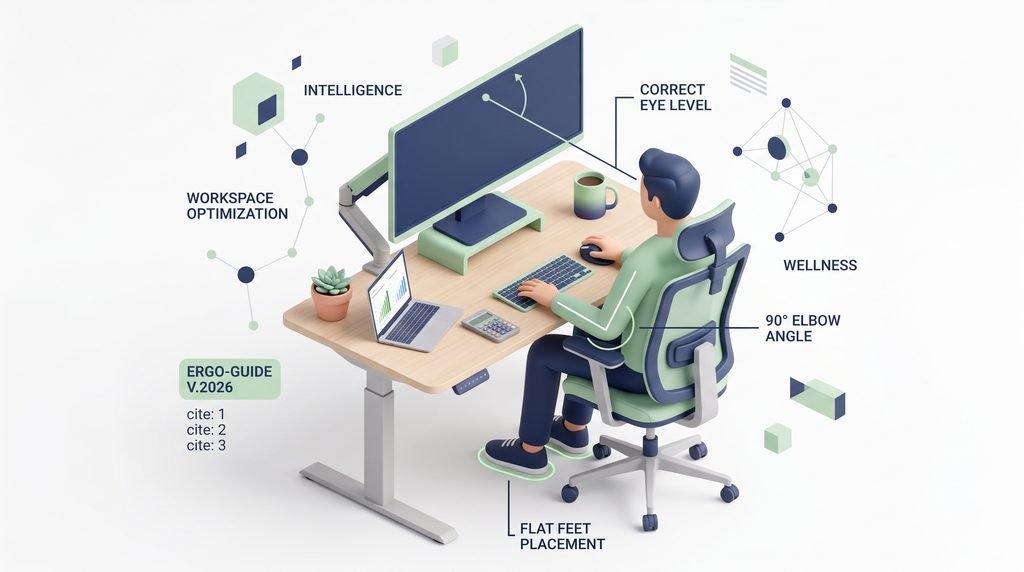
Selecting the right equipment is critical when evaluating ergonomic home office desk setups.
| Equipment Category | Key Feature | Primary Benefit | Target User |
| Electric Standing Desk | Dual-motor height memory | Encourages movement and sit-stand transitions | Full-time remote workers |
| Ergonomic Office Chair | Adjustable lumbar & armrests | Prevents lower back pain and spinal fatigue | Anyone sitting 6+ hours daily |
| Dual Monitor Arm | 360-degree articulation | Eliminates neck strain and cleans desk space | Multitaskers & software developers |
| Vertical Ergonomic Mouse | 57-degree neutral handshake angle | Reduces forearm twist and wrist muscle strain | Graphic designers & heavy mouse users |
Step-by-Step Guide to Optimizing Your Workspace
Building functional ergonomic home office desk setups does not require a complete redesign. Follow these four simple steps:
- Adjust Seat Height First: Position your chair so your feet rest flat on the floor with knees bent at a 90-degree angle.
- Position Your Keyboard and Mouse: Place peripherals where your elbows remain close to your body and bent at 90 to 100 degrees.
- Align Monitor Height: Set the top third of your screen at direct eye level to avoid tilting your chin up or down.
- Incorporate Frequent Movement: Practice the 20-20-20 rule—every 20 minutes, look at an object 20 feet away for 20 seconds, and stand up hourly.
For more tips on setting up your remote workflow, visit our homepage to read our related guides on remote work productivity[cite: 4, 7, 11].
Final Thoughts on Ergonomic Home Office Desk Setups
Upgrading your home workspace is an investment in your health and long-term career productivity.
- Start small by raising your monitor to eye level today.
- Upgrade to an ergonomic chair or standing desk to support dynamic movement.
- Maintain consistent posture habits to keep pain from returning.
By implementing well-planned ergonomic home office desk setups, you can work comfortably, stay focused, and safeguard your health for years to come.